Independent studio / Gainesville, Florida

Built around
your kind of business.

We create custom websites, useful AI integrations, and training people can use. Every project starts with what you need it to do.

What goes into a website’s cost
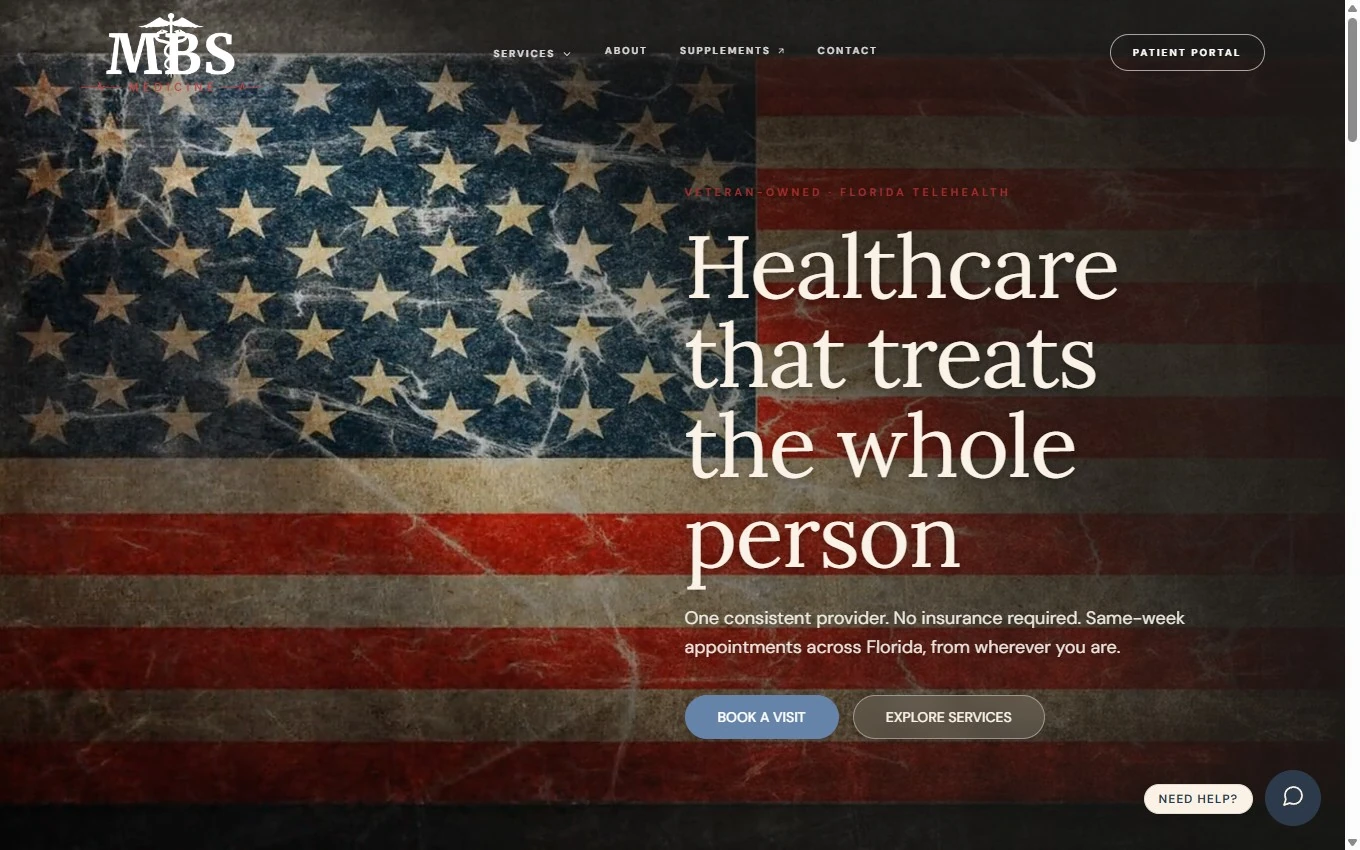
Osteen & Sons website designed by K & A Performance

Local services

Turn a property question into a next step.

A Gainesville lawn, brush, and junk crew needed a useful way to start a conversation about a property.

A useful detailAn address lookup brings in county lot details and leads into booking a free walkthrough.

Explore Osteen & Sons (opens in a new tab)
David’s BBQ website designed by K & A Performance

Food / hospitality

Make the next meal easy to find.

A Gainesville barbecue restaurant needed its menu, catering, and ordering to be easy to reach.

A useful detailBrowse the full menu and prices, explore catering, or head straight to online ordering.

Explore David’s BBQ (opens in a new tab)

AI, with a useful job to do

Less sorting.
More starting.

A good inquiry can arrive as a very messy message. AI can organize the details, spot what's missing, and give your team a clearer place to start.

Try it with Kai, our project guide Explore AI integration
From message to working brief Fictional example
Incoming inquiry

“We need an easier way to book.”

“Hi! We run a small landscaping business. People mostly message us on Facebook, and sometimes we lose track. We'd love a site with photos of our work and a way to request an estimate. Hoping to have it ready before spring. Not sure what something like that costs.”

Useful information. Just not organized yet.

Details pulled from the message

Keep what matters.

The business
Local landscaping team
The problem
Estimate requests get lost in messages
The essentials
Work photos and an estimate request form
The timing
Before spring, exact date to confirm

The budget wasn't provided. Keep it as a question.

Draft for a person to review

A more useful first conversation.

Create a website that shows the team's work and brings estimate requests into one place.

Ask next

What budget are you considering, and who will follow up on new requests?

A clear starting point. Your team still checks the details and decides what happens next.

A prepared walkthrough, not a live AI response. Nothing is submitted.

A small usability check
Read it at a glanceSample

Dark text on a light background makes the example easier to read.

Now try your keyboard.

Tab

Use Tab to move between these links. The outline shows where you are. Enter opens the page.

Good design includes more people

Easy to use.
Hard to overlook.

Readable text. A clear path with a keyboard. Room for the way someone actually uses the web.

These are two small examples. We also check screen reader support, motion preferences, forms, and the details that make a site work for more people.

See what an accessibility audit covers Read our own accessibility statement

The 90-Day AI Launch

Build it with us.
Make it yours.

Twelve weeks, one on one. A useful workflow in your own account, and the ability to run it yourself.

Weeks 1 to 2

Start with a job worth doing.

Map the repetitive work in your business, choose a useful place to start, and get your own account ready.

Your build

What you take away

An opportunity map

Illustrative example: a studio intake workflow

The task
Turn incoming inquiries into a useful project brief.
The friction
Details arrive across emails and notes.
The opportunity
Collect the context in one place for a person to review.

Weeks 3 to 8

Work on your actual workflow.

Build alongside Alex using your real work. Try it, check what comes back, and improve the parts that need attention.

Your build

What you take away

A working process

Illustrative example: an inquiry becomes a brief

Collect
Ask what the customer needs and what is missing.
Organize
Draft a brief with goals, constraints, and open questions.
Review
A person checks the draft before using it.

Weeks 9 to 12

Leave with the controls.

Build the next workflow yourself with Alex watching. Keep the handoff document, recorded walkthroughs, and a written plan for what comes next.

Your build

What you take away

Your operating guide

Illustrative example: a handoff checklist

How to run it
Where to start and what a good result looks like.
What to check
The details a person needs to verify.
What comes next
The next useful improvement to work on.
See how the twelve weeks work

Made by a human

Art with a
point of view.

Characters, lettering, identities, and things you can hold. Meet the artists we collaborate with to give your project its own personality.

Explore the artists
Hope and Harry peer from a green plane flying beneath a painted turquoise and purple aurora.
Bobbie

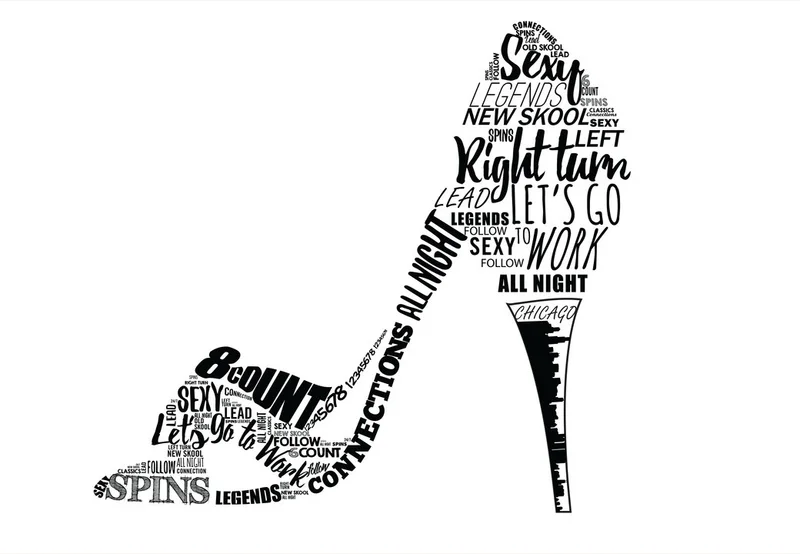
Illustration & brand artwork

Hope & Harry's
Alaskan Adventure
A high heel composed of black dance lettering, including spins, right turn, and all night.
Jon Marc

Graphic design & visual identity

Both sides of Nicole's King Neptune Navy challenge coin, with a gold trident, ships, and blue waves.
Nicole

Brand identity & merchandise

Have a project just for an artist? You can commission artwork on its own.

Learn something useful

A little guidance.
A real first step.

You do not need to know how to code to get your bearings. Our beginner orientation explains the windows, files, and first actions in plain language.

Explore the AI lessons
Before your first build30-second sample
Read the sample transcript

Welcome. If you have never written code, start here. Code is a set of instructions that tells a computer what to do. A website keeps those instructions in files. You do not have to write them yourself to begin this lesson. Claude Code can help read and change a project. You describe the result you want, and you check the result it produces. In an ordinary chat, you might ask for advice and receive an explanation. Here, you will eventually let Claude work on files in a folder you choose.

The people behind the work

You work
with both of us.

Two owners, directly involved. From the first conversation to the finished build, you know who is doing the work.

Tell us what you have in mind
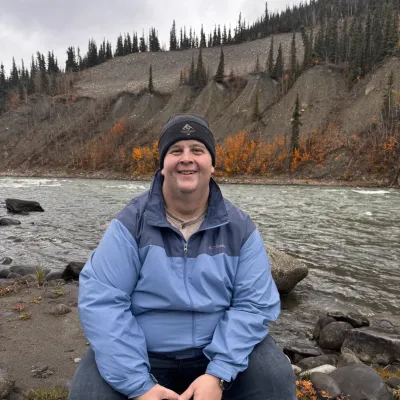
Alex Anderson

Alex Anderson

Design & development

The person designing your site is also the person building it.

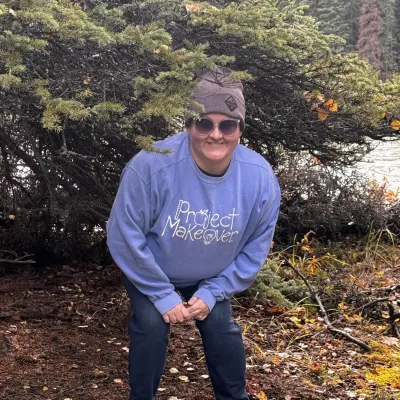
Kristina Anderson

Kristina Anderson

Strategy & content

Making every page clear about who it helps and what comes next.

Based in Gainesville, with an office in Ellenton. Working locally and with businesses in Jacksonville and beyond.

As seen on DesignRush

What would make work easier?

Let’s build
something useful.

A website, a workflow, or a better way to teach your team. Tell us where you want to go.

Start a project Quotes are always free.

Start a project

Scoping and quotes are always free.